


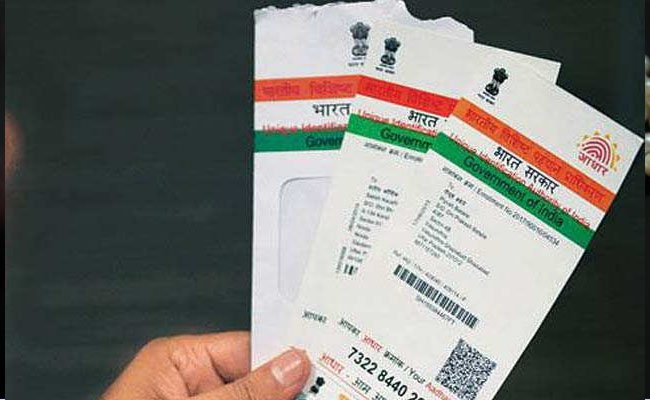
The 12 digit biometric enabled AADHAAR Card number is now been linked with various services. With the AADHAAR card number being used as a gateway to almost all the financial transactions, it is a must that you should know about the gateways, at which AADHAAR being used. That said, tracking AADHAAR card is as simple as it sounds.
With a 3 step procedure, you can have the knowledge about the gateways, where the verification procedure has been done to your AADHAAR card. It has to be noted right here in that in order to complete the procedure, you will have to have a mobile phone number linked with the AADHAAR number. Now, follow these 3 steps in order to unveil the details.
- Visit the UIDAI website and select the AADHAAR services tab, which is placed on the bottom right side of the page. Into the tab, you will see AADHAAR authentication history link.
- After entering the necessary details such as AADHAAR Id and the security code on the page, you have to click the link which says ‘Generate OTP’. Soon then you will receive the OTP in your registered phone number.
- Enter the OTP on the website and select the period, of which you need to know the details of AADHAAR transactions. After pressing the ‘Submit’ button, you will get details such as date, time and AADHAAR authentication requests made during the time.
Now, it is up to you to cross check the instances, whereupon your AADHAAR card number was being authenticated for various purposes. Besides tracking this information, you can even lock your AADHAAR card, in case you find any suspicious activity being done to it. It is up to you to decide, when to unlock the AADHAAR card number.